

Create a New Project
Start a new project
Create a New Project
Projects can be created directly in your personal area or under a group. For larger projects, it is always recommended to use the “Create a New Group” approach, as this also provides additional features such as Epics and roadmaps. This also makes it easier to transfer the project to another person, for example, if someone leaves the project.
Note: In this guide, you create a project from the git.nrw project template using “Import Project”.
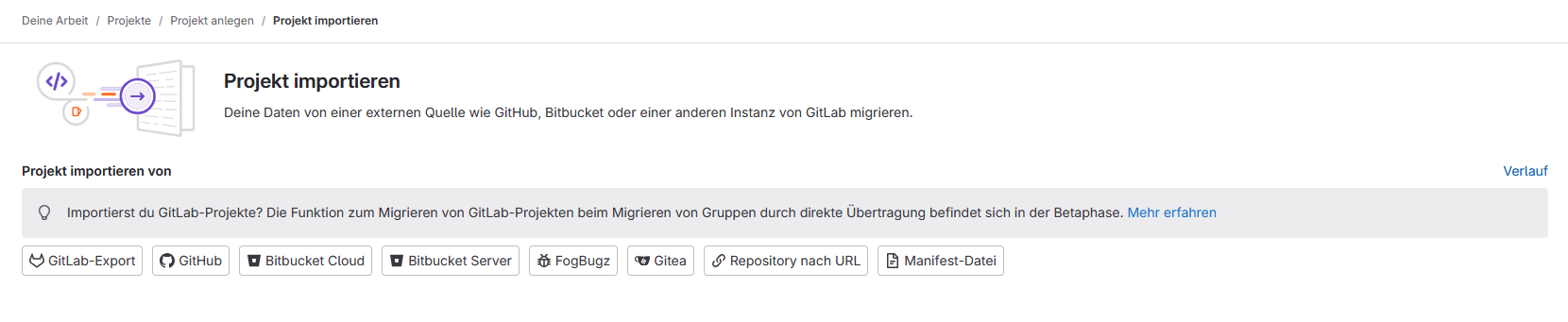
- To “(4) New Project”: Click on “New Project” in the top-right corner of the homepage, and then select “Import Project”.

-
Import project from a “GitLab Export”.
-
Import the project template “2025-05-06_projektvorlage_git_nrw.tar.gz” , assign a project name, and optionally adjust the project URL.

